Work without a signal
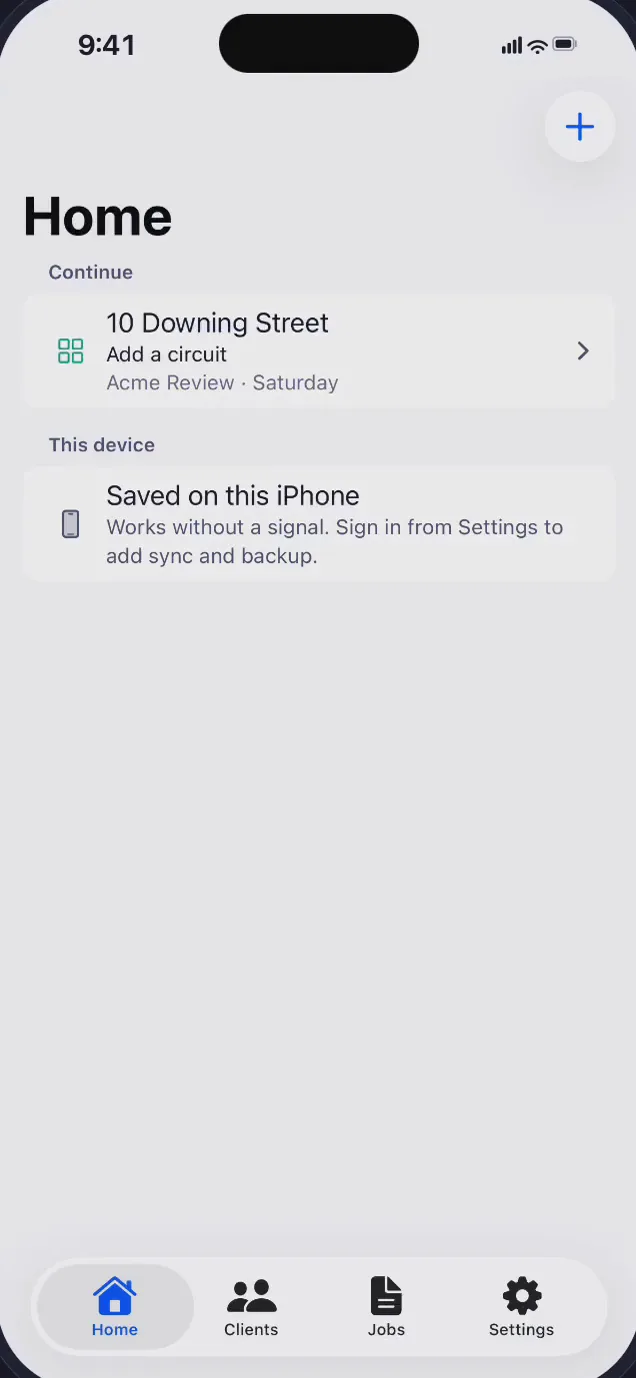
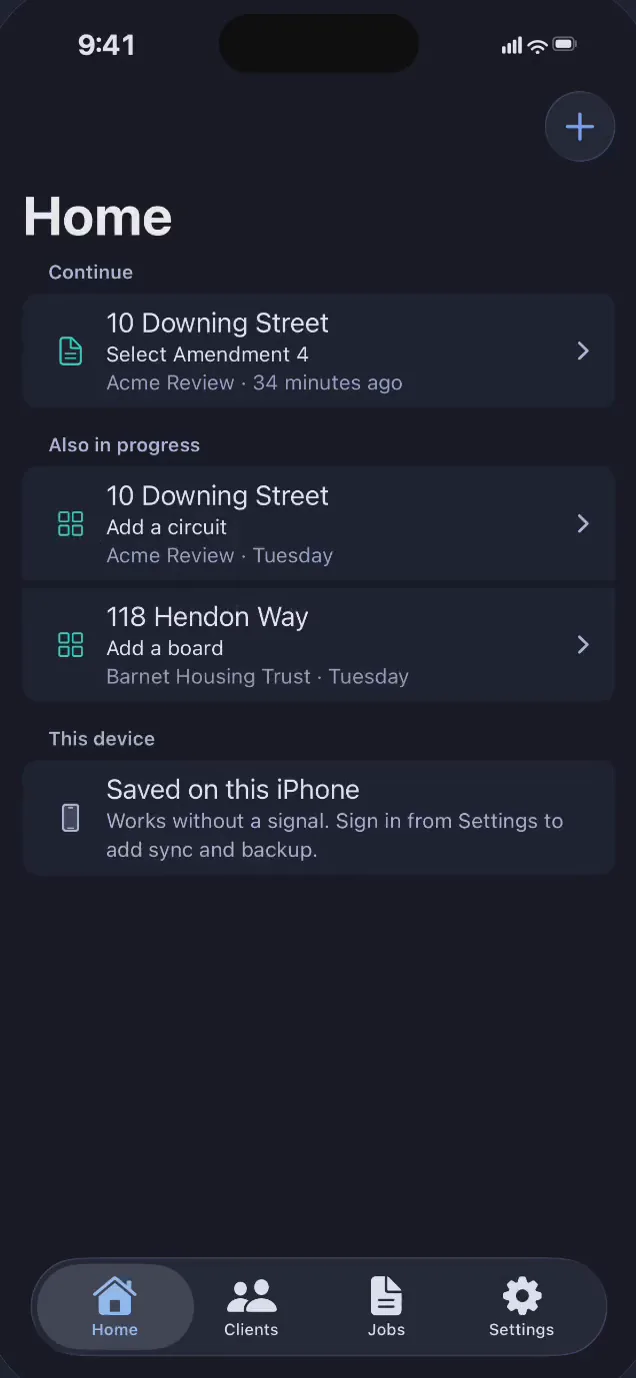
Clients, sites and report records are saved on your device. You can start and edit a draft without creating an account.
For UK electricians · iPhone and iPad
Keep clients, findings and test results together on iPhone or iPad. Work offline and preview a draft PDF on the device in your hand.
Customer-ready reports are not available yet. Preview a watermarked draft PDF only.
Version 1.1.0 is on the App Store.
Keep the job moving
Start with a client and site. Build up the inspection as you go, then return to the draft where you left it.
Clients, sites and report records are saved on your device. You can start and edit a draft without creating an account.
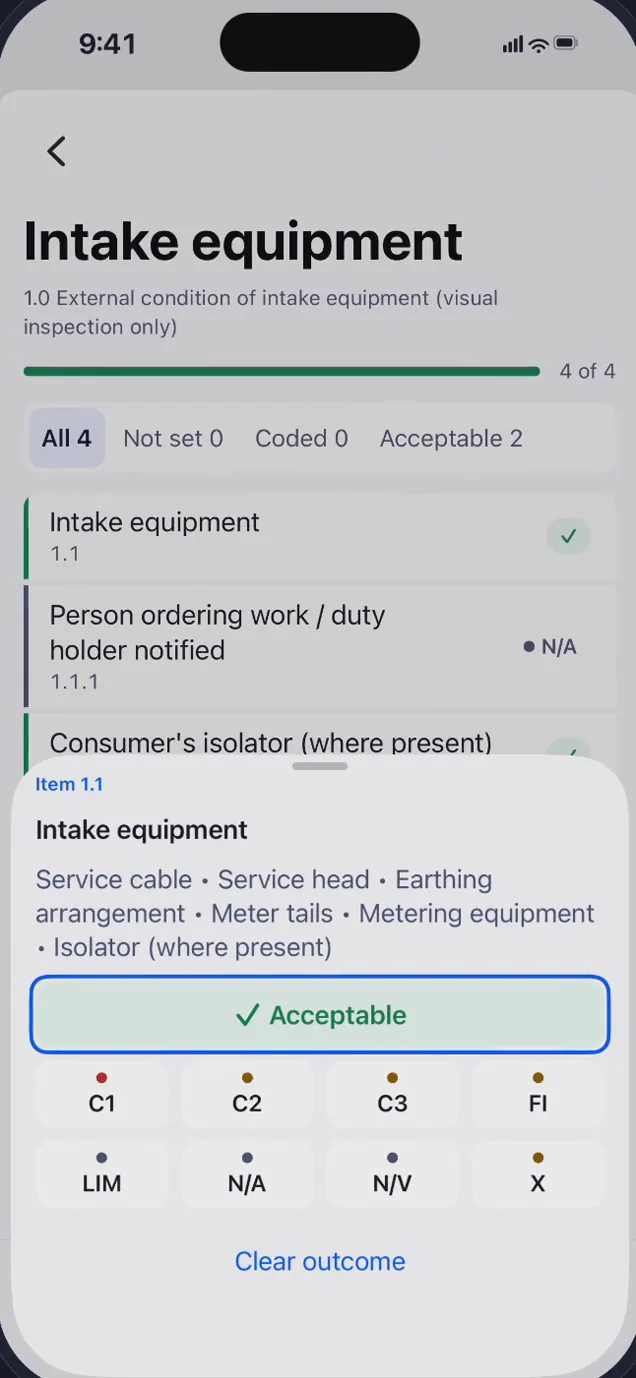
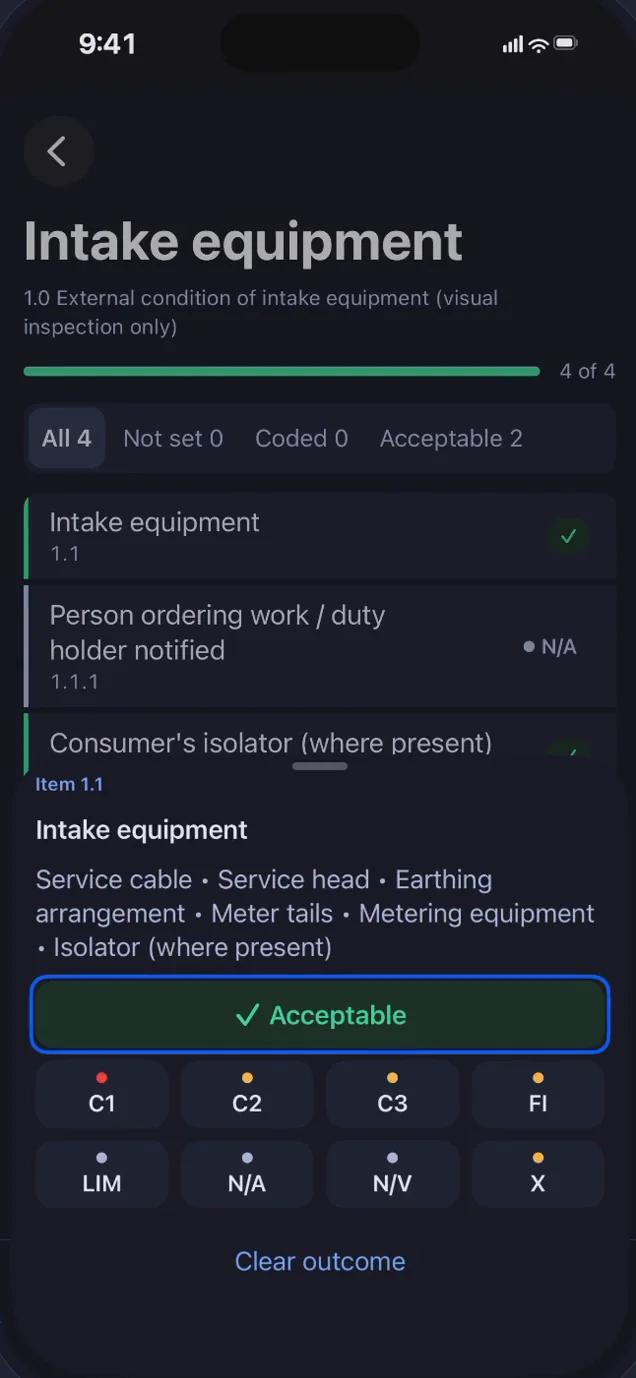
Record boards, circuits, inspection outcomes, observations and test results within the same EICR.
Preview a watermarked draft on your device. Completed, customer-ready reports remain unavailable.
Your inspection. Your judgement.
Work through the inspection schedule, choose an outcome and add the observation that explains it. The app keeps the record organised; you make the professional decisions.
More room on iPad
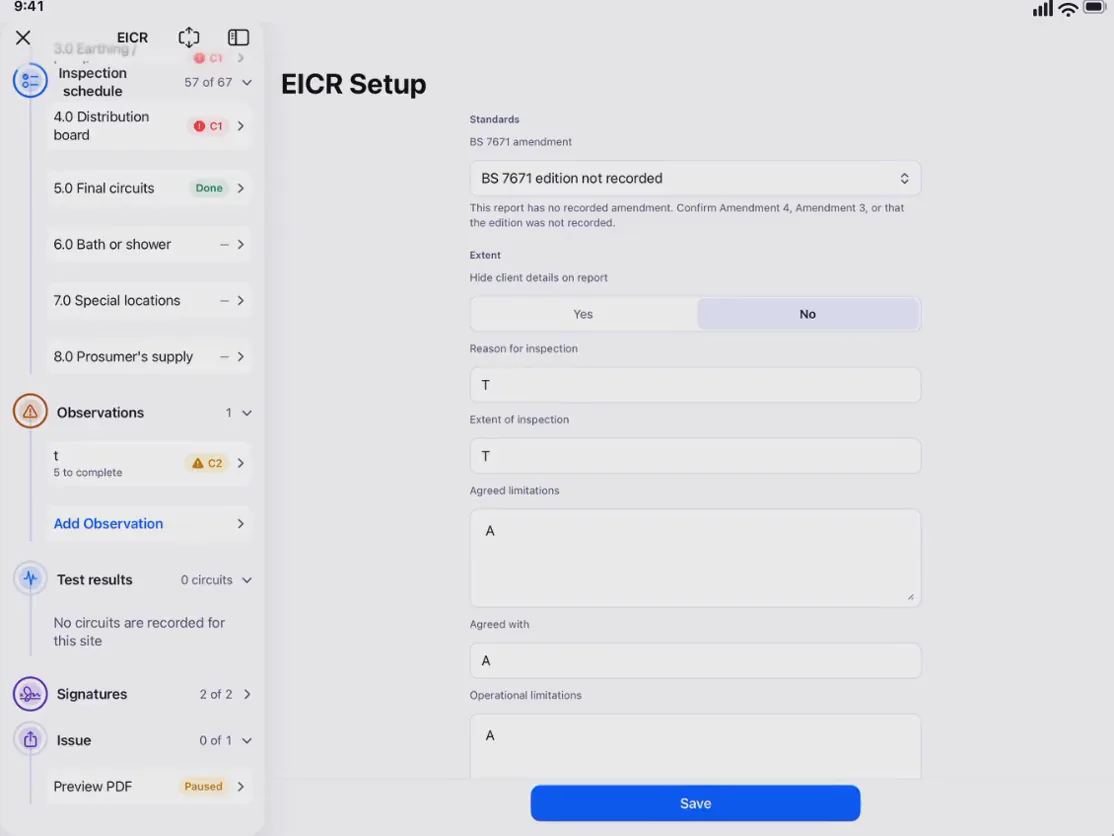
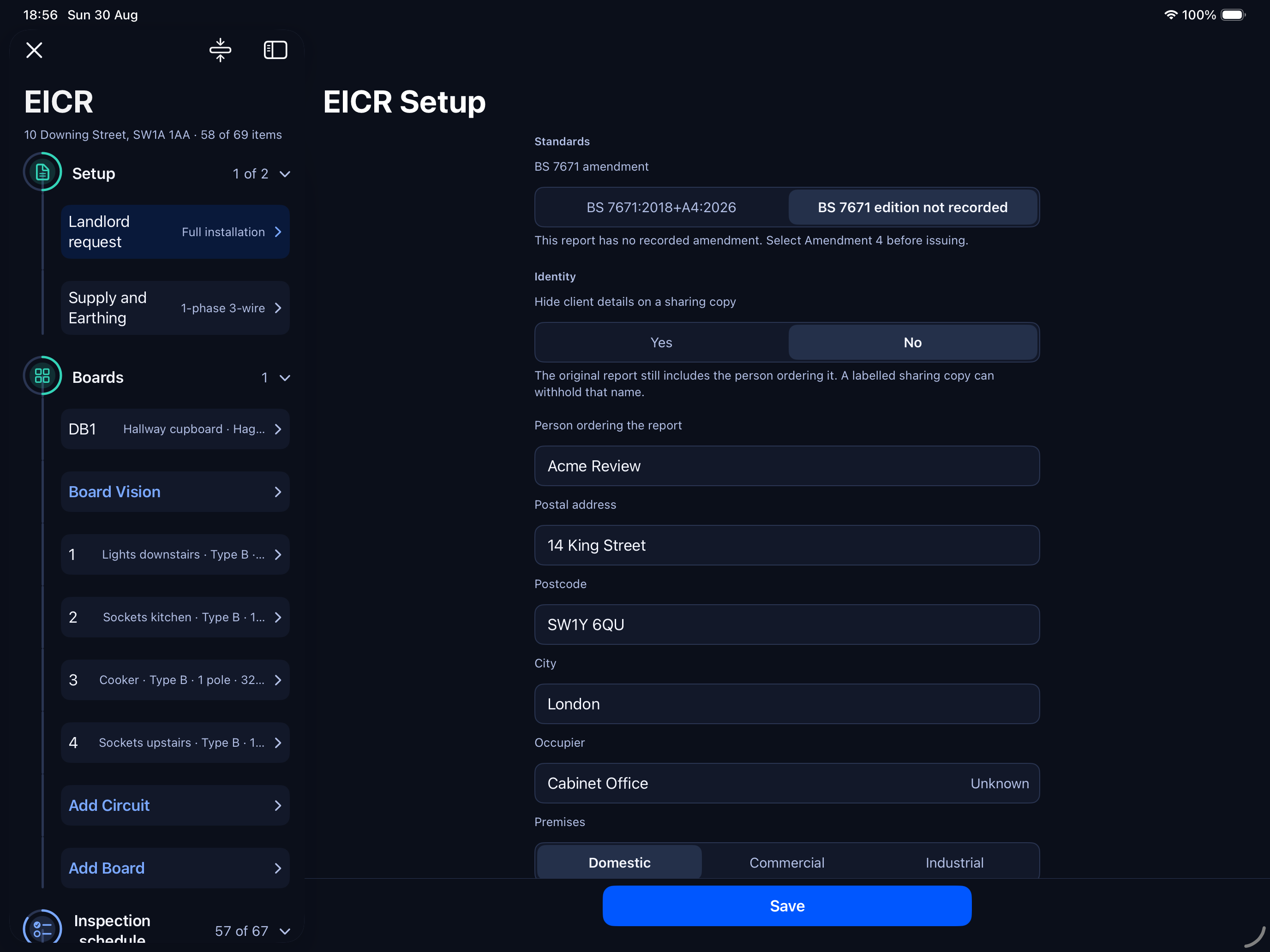
In landscape, the report sections stay beside the page you’re filling in. Move between boards, inspection findings and test results with the rest of the EICR close at hand.
Optional sign-in sync shares source records between your iPhone and iPad. Photos and exported PDFs stay on the device where they are stored.
Yes. Version 1.1.0 is on the App Store for iPhone and iPad in the United Kingdom. Issued reports remain unavailable.
Not yet. You can fill an EICR and preview a watermarked draft PDF, but customer-ready reports remain unavailable for now. Keep using your existing process for reports you need to issue.
You can create and edit local drafts and preview draft PDFs offline without an account. Sign-in and syncing require an internet connection. New to the app? Try a sample draft.
Sync shares source records between signed-in devices; changes can propagate between them. It is not an independent backup. Photos and PDF exports stay local. Keep the copies you need for your records. Read the privacy notice.
SnapCert is built for iPhone and iPad, with EICR drafts as its focus. Android, browser editing, EIC, minor works, EV and PAT certificates are not included.
SnapCert is independent paperwork software. We do not claim approval or endorsement from the IET, BSI, NICEIC or NAPIT. The electrician remains responsible for the inspection, classifications and professional decisions.
SnapCert is free. There are no in-app purchases or subscriptions.
On the App Store
Download from the UK App Store and try a draft EICR. Issued reports are not available.
United Kingdom listing.
iPhone and iPad.
Feedback: support@snapcert.app
Version 1.1.0 released 15 September 2026. Customer-ready reports remain unavailable.